

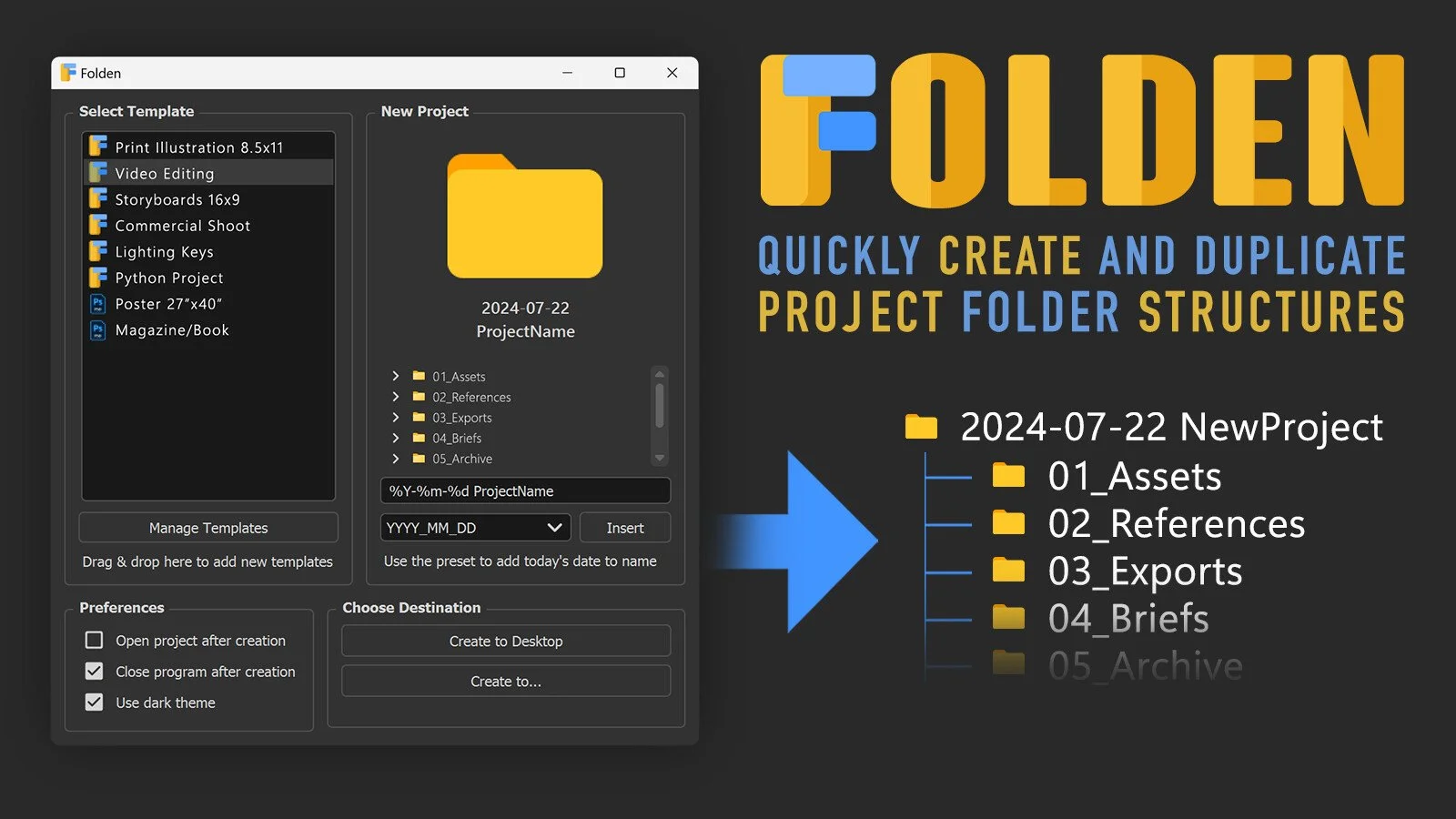
Folden is a simple but incredibly useful tool for art project management! There is a free version but with the (very affordable) paid version you can create your own folder structures and save them.
Why we recommend this software:
It’s incredibly useful to have projects in order, and I’ve wanted a quick, simple tool like this for years. Even if you have a lot of unique projects, you can create a number of different templates and adjust them as needed on a case-by-case basis.
This is especially useful for the disorderly artists out there who can’t be troubled to spend the time to set up a good file management workflow early into a project. From experience I can say that you almost always will end up paying for it later! Get yourself organized with Dylan Choonhachat’s Folden!
We are both affiliates and huge fans of Folden!
From Dylan’s Artstation page:
With Folden, you can:
Create new project folder structures and populate them with sub-folders and files instantly
Automatically name your new project with a date format of your preference
Customize templates to fit your specific needs
Remember the last template, name/date format, and location you used
Automatically version up the name if folder already exists (Ex: "2020/04/19 Project" > "2020/04/19 Project 2")
PRO Features:
Comes preloaded with 12+ structure templates (including templates for storyboarding, video editing, programming, photography, etc.)
Ability to modify the content before creating each new project
Ability to bookmark destinations (helpful if you have multiple clients or work with different types of projects)
Ability to change where the templates are stored on your computer
Operating system: Windows or Mac
Requirements: Any computer!