

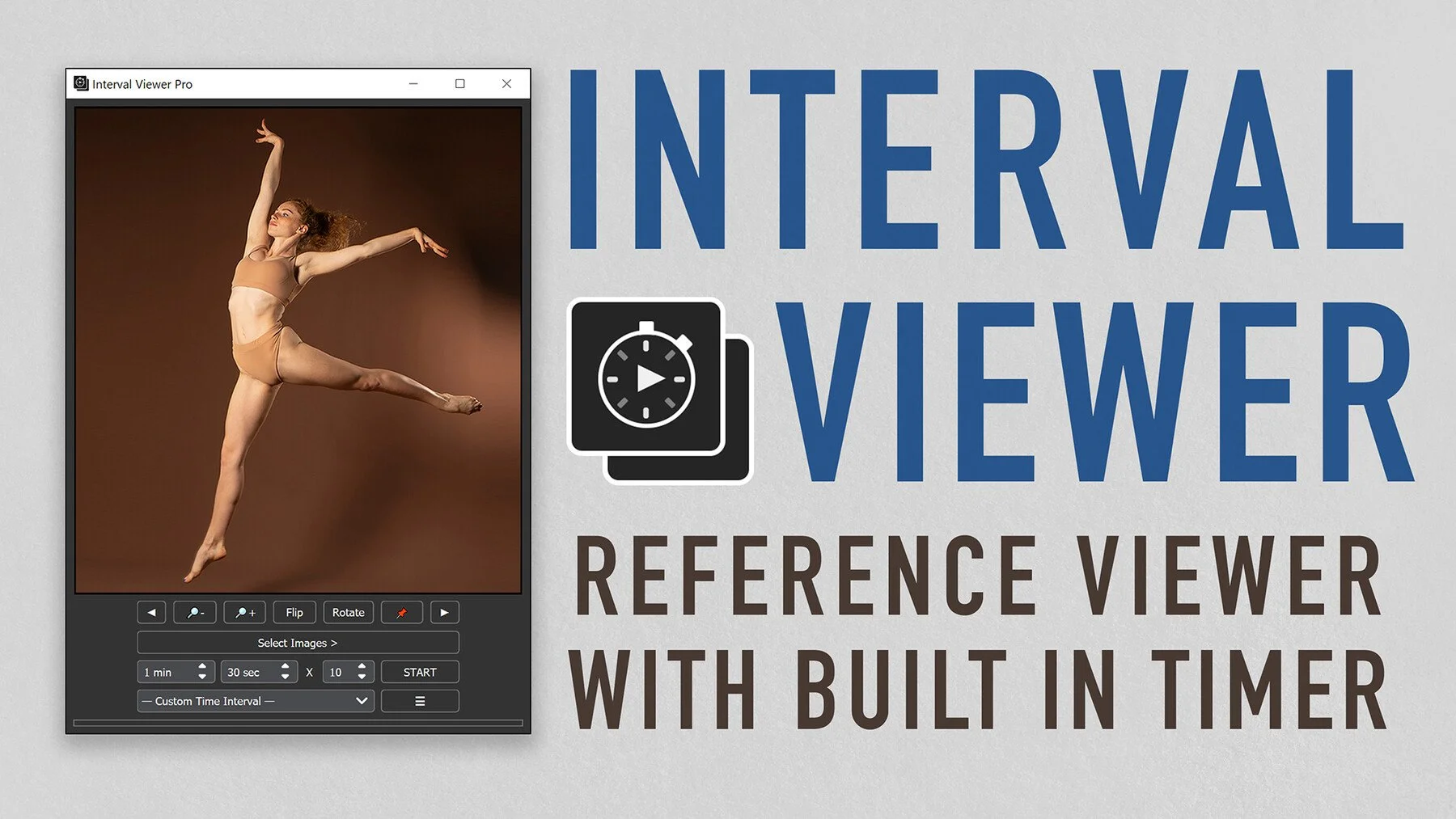
Interval Viewer is what we use for all of our Figure Drawing Classes with our students! It’s great - you can configure whatever lengths of poses you’d like and have your “classes” last as long as you prefer too..
Why we recommend this software:
This software is another very basic but highly effective software by Dylan Choonhachat (see our Folden software recommendation too!). This one is another software we’ve been hoping to have for years that makes figure drawing from your computer that much more effective when you can’t make it to an in-person life-drawing session, or when you’d simply like to supplement in-person figure drawing.
It is highly customizeable, and you can select all the reference images you’d like, or select entire folders and have it “shuffle” through your photos to pick the figure drawing poses. It works especially great if you organize your reference photos (purchased separately — there are plenty of good sources on Artstation) by poses that are ideal for gestures versus those that would be preferable for longer 5-20 minute poses. This is a great boon for all students trying to improve their figure drawing for their animation portfolios!
From Dylan’s Artstation page:
With Interval Viewer, you can:
PRO version includes:
All features from Beta/Free version
Improved Interface - New button layouts with added features including rotate, flip, zoom images, pause, resume, and more
Direct Drag & Drop - Skip the search option and directly drag and drop images or folders
Queue Management - Add, remove, and shuffle images with ease using the Queue panel
Presets - Customize and save presets for your favorite intervals
Bookmarks - Save your favorite directories and images for future access
Different Loading Options - Toggle the ability to include subfolders, unselected images, and more
Free Reference Pack- Sample pack with 100+ images from PoseSpace.com
Reference Pack Discount - Discount code for Grafit Studio
Life-Time Updates - Buy once and get new updates and bug fixes free for life!
BETA/FREE version includes:
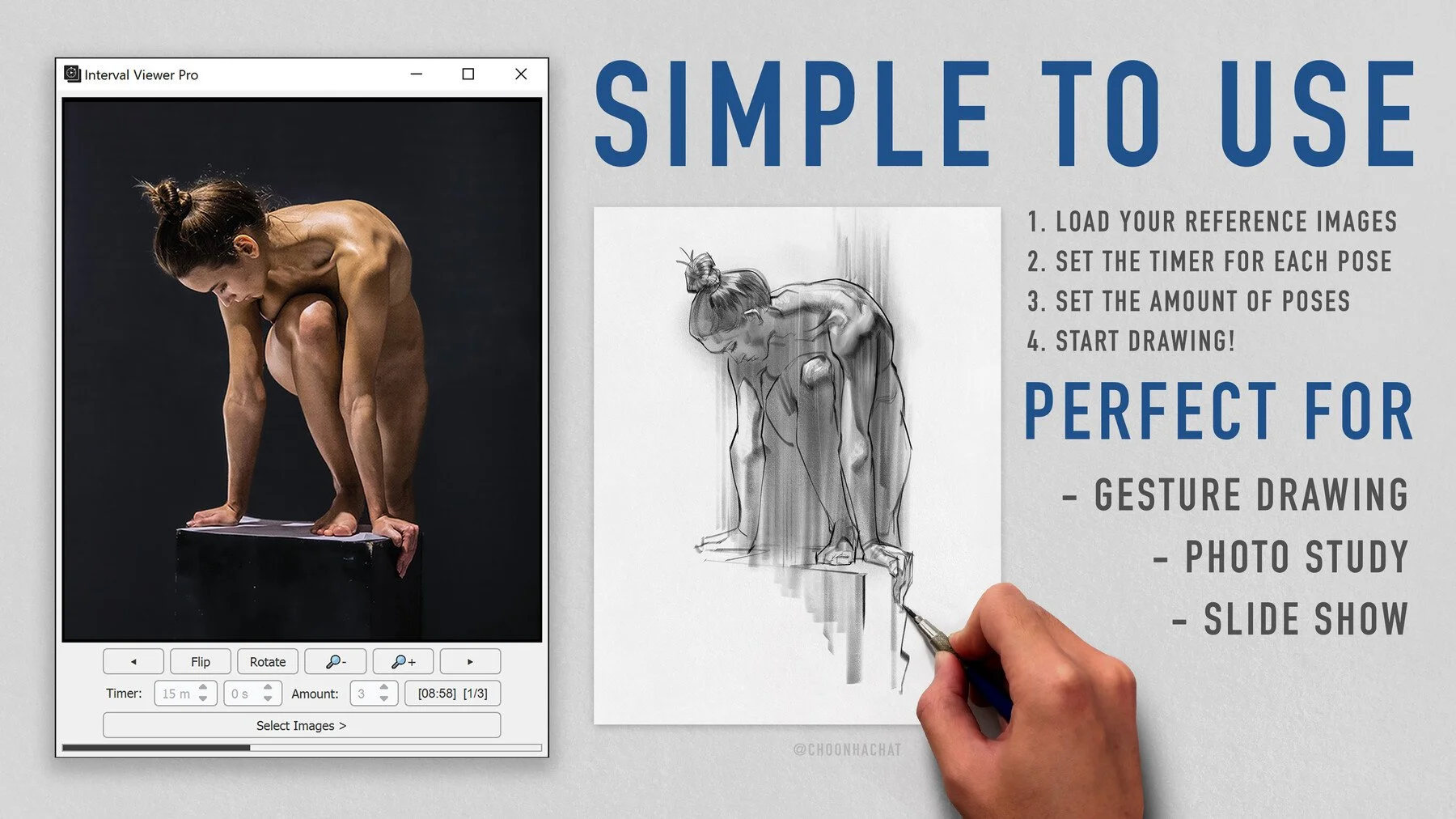
Interval Timer - Set the time and amount of poses to start a drawing session
Shuffle - Toggle to shuffle or sort the images in order
Zoom - Toggle to fit images 100% to the window or to show 50%
Timer Sound - Toggle alarm sound for the timer

Operating system: Windows or Mac
Requirements: Any computer!